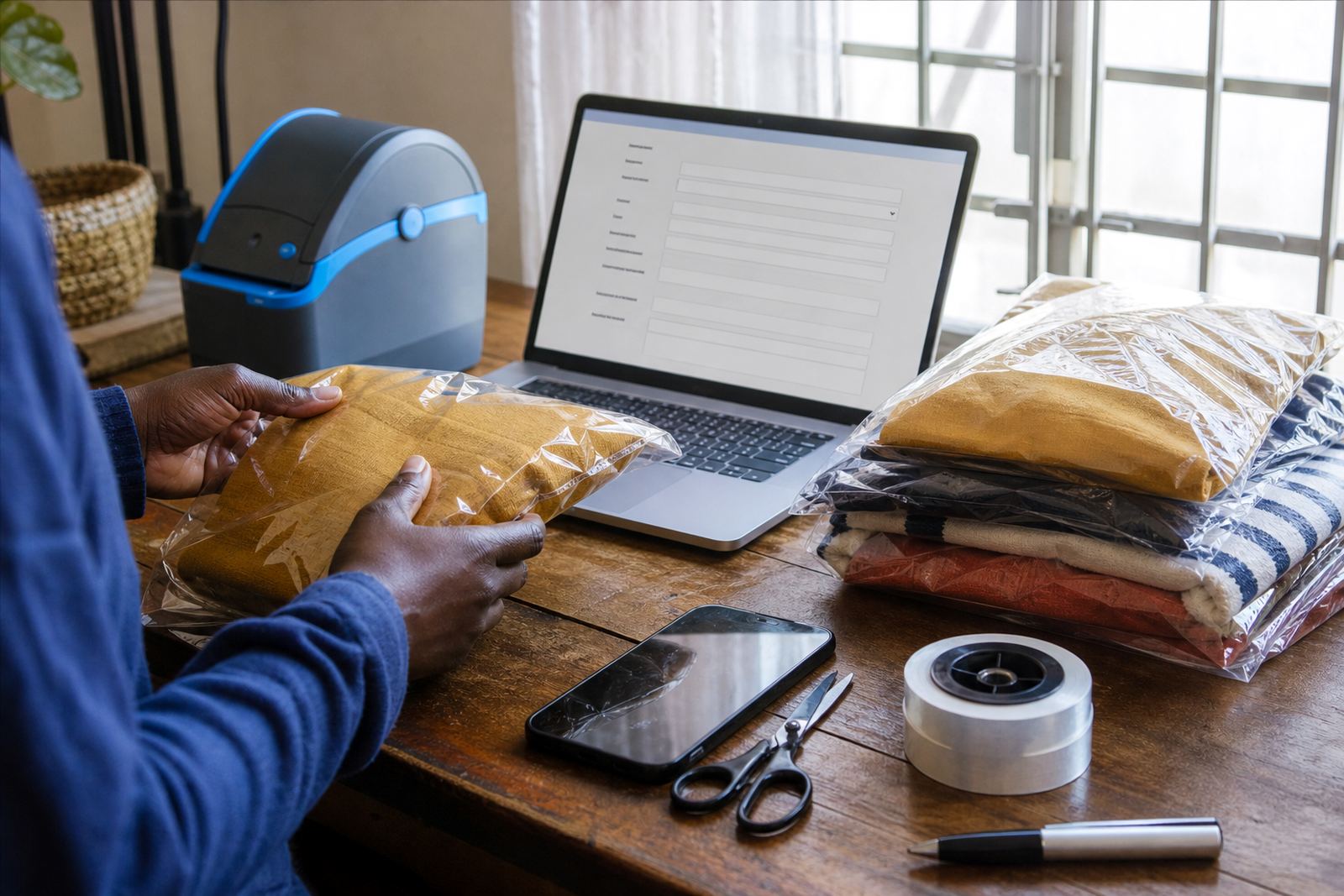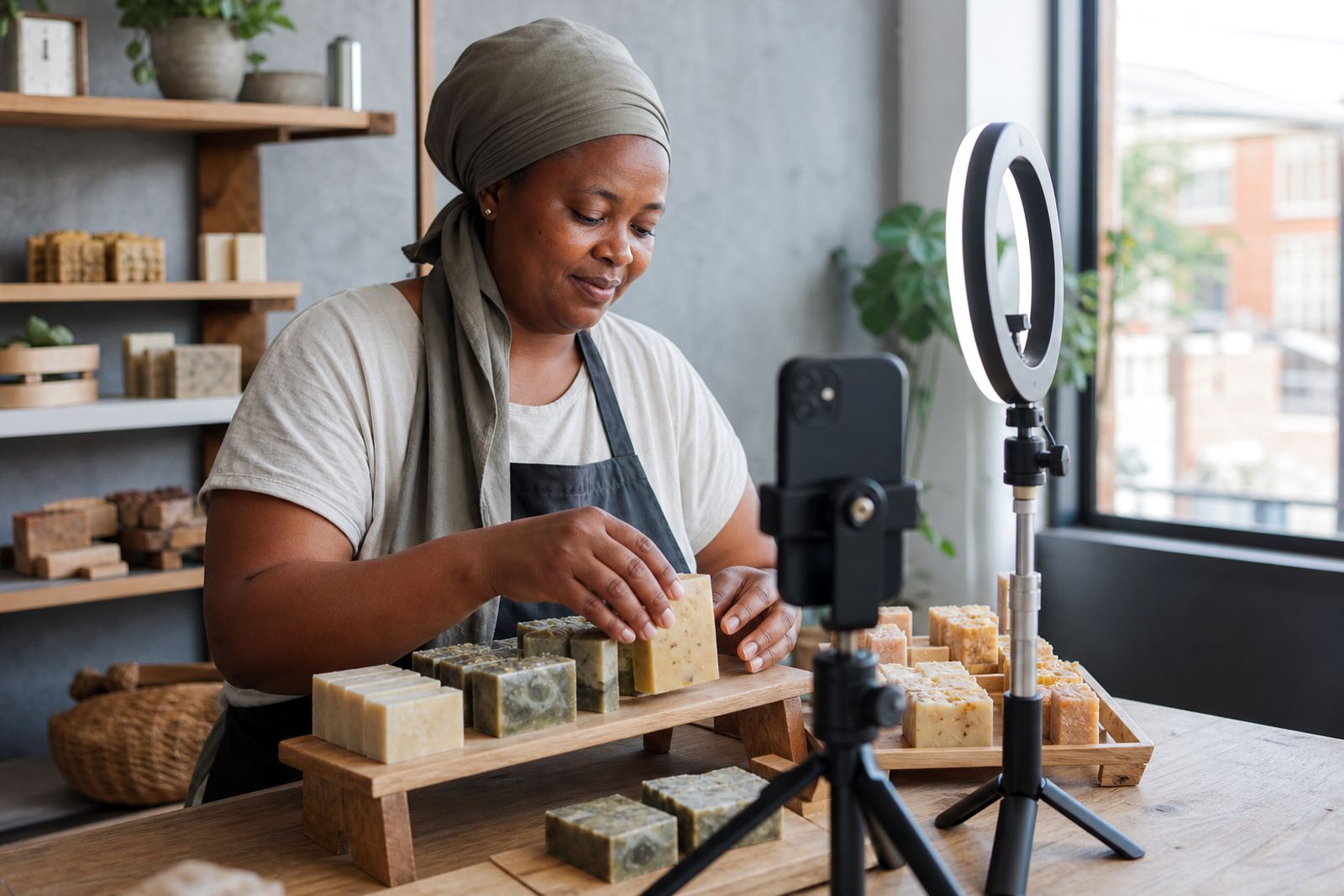
What the training covers on a working store
This training is for the person who will keep the store active after setup. We cover the parts that matter most on a small South African business site, with practical steps for updating products, changing prices, loading new photos and checking the information customers see on a phone screen.
The session is geared for informal traders, spaza shops and home businesses that need a clear handover. We keep the lessons tied to real store tasks, so the person doing the work can manage the catalogue without guessing where anything lives.
- Adding and editing products, variants and stock counts
- Uploading product photos in the right size and order
- Updating pricing pages and special offers
- Handling WhatsApp order prompts and customer replies
- Checking delivery areas, collection notes and payment details
How we run the training session
Training is usually done on the live store or on a practice store copied from the same setup. That makes it easier to show the real buttons, menus and fields the user will see later. We work through the store step by step, then let the trainee repeat the actions while the coach watches and corrects mistakes.
The pace is practical, not rushed. If the person is new to e-commerce, we start with the basics of logging in, finding products and saving changes properly. If they already know the layout, we focus on the parts that need attention, such as photo ordering, price updates and customer page edits.
- Login and basic store navigation
- Product editing and stock updates
- Photo upload checks for phone and tablet views
- Customer page edits, including contact details and FAQs
- Review of order flow from enquiry to confirmation
Skills your staff member leaves with
By the end of the session, the trainee should be able to handle the everyday tasks that keep the store current. That includes changing a price when stock costs move, replacing an old photo, adding a new item and checking that the product wording is still accurate.
We also show how to spot common errors before they become a problem. Missed images, broken links, duplicated items and wrong sizes can confuse customers, especially on smaller screens where people scroll fast and decide quickly.
- Update stock quantities without overwriting other product details
- Use clear photo titles and save pictures in the right format
- Check that product descriptions match the item being sold
- Adjust category pages so customers can find items easily
- Confirm that WhatsApp buttons and enquiry paths still work
What the training includes and what we need from you
The training package is built around the store you already have or the one being prepared for launch. We work with the product list, images and customer pages that are relevant to your business, whether you sell clothing, household goods, food items or service bookings.
Before the session, it helps to have the product names, prices, photos and any notes about delivery areas or collection points ready. If there are multiple staff members, we can split the session so one person handles products and another handles customer messages or order checks.
- Store login guidance and access control
- Editing products, pricing and stock levels
- Photo loading and basic image quality checks
- Customer page updates and contact text
- Order handling steps for WhatsApp and site enquiries
How timing and pricing are handled
Training time depends on the size of the store and how much the person needs to learn. A small catalogue with a few pages takes less time than a bigger store with many items, photos and delivery rules. We shape the session around what must be covered, not around unnecessary extras.
Pricing is approached according to the amount of training needed, the number of people attending and whether the session is a first handover or a refresher for existing staff. If the store needs content rewritten at the same time, that is quoted separately so the training scope stays clear. For tax or financial questions, check with SARS or a qualified adviser.
- Short handover sessions for one person
- Grouped training for two or more staff members
- Store-specific pricing based on page count and catalogue size
- Separate quotation where content writing or product rebuilding is added
Aftercare once the session is done
After the session, the store owner or staff member should be able to continue with routine updates using the same process shown in training. If questions come up while working through real products, photos or pricing changes, we can help check the store setup and point out where the edit needs to happen.
This support is useful when a product range shifts often, as it does for many traders in Johannesburg, Durban, Cape Town, Pretoria and Gqeberha. Coastal humidity can affect photo quality and image storage choices, so we also cover practical habits like keeping original pictures backed up and using clear file names for later updates.
- Help with post-training questions on store tasks
- Checks for mistakes in product listings and customer pages
- Guidance for new staff who take over store updates
- Refresher sessions when the catalogue grows or changes
Key facts
| Training focus | Stock updates, photos, customer pages and order handling |
|---|---|
| Format | Live session on the store or practice copy |
| Suitable for | Informal traders, spaza shops and home businesses |
| Core tools covered | Products, pricing pages, WhatsApp orders and delivery info |
| Session size | One person or a small staff group |
| Support after training | Guidance on real store edits and error checks |