Getting the picture right before the first upload
Product photos do a lot of the selling, especially when customers are comparing items on a small screen. Our photo guidance service helps you plan a neat, repeatable way to photograph stock for a simple online store, whether you are listing soap, clothing, containers, snacks or household items. We look at the items you sell, the space you work from and the camera you already have, then show you how to get clearer images without fancy kit.
The aim is to make each photo honest and easy to read. That means showing the front, side and any detail that matters, like size markings, texture, labels or colour. For traders in Soweto, Johannesburg and other busy areas, we also keep practical things in mind such as indoor rooms with mixed light, courtyard spaces, shop counters and tight home work areas. A simple setup often gives better results than moving from one complicated setup to another.
We can also help you decide which photos belong on a product page and which ones are better left out. Too many shots can confuse buyers, while too few can leave out details they need. We help you build a neat pattern for each item, so the store looks ordered and customers are not guessing.
What we cover in the photo guidance session
This service is practical and direct. We work through the parts that affect image quality most, then show you how to repeat the same method for your next batch of products. If your items have different shapes or surfaces, we adjust the guidance so the photo style still feels consistent across the store.
- Choosing a plain background that keeps the product clear
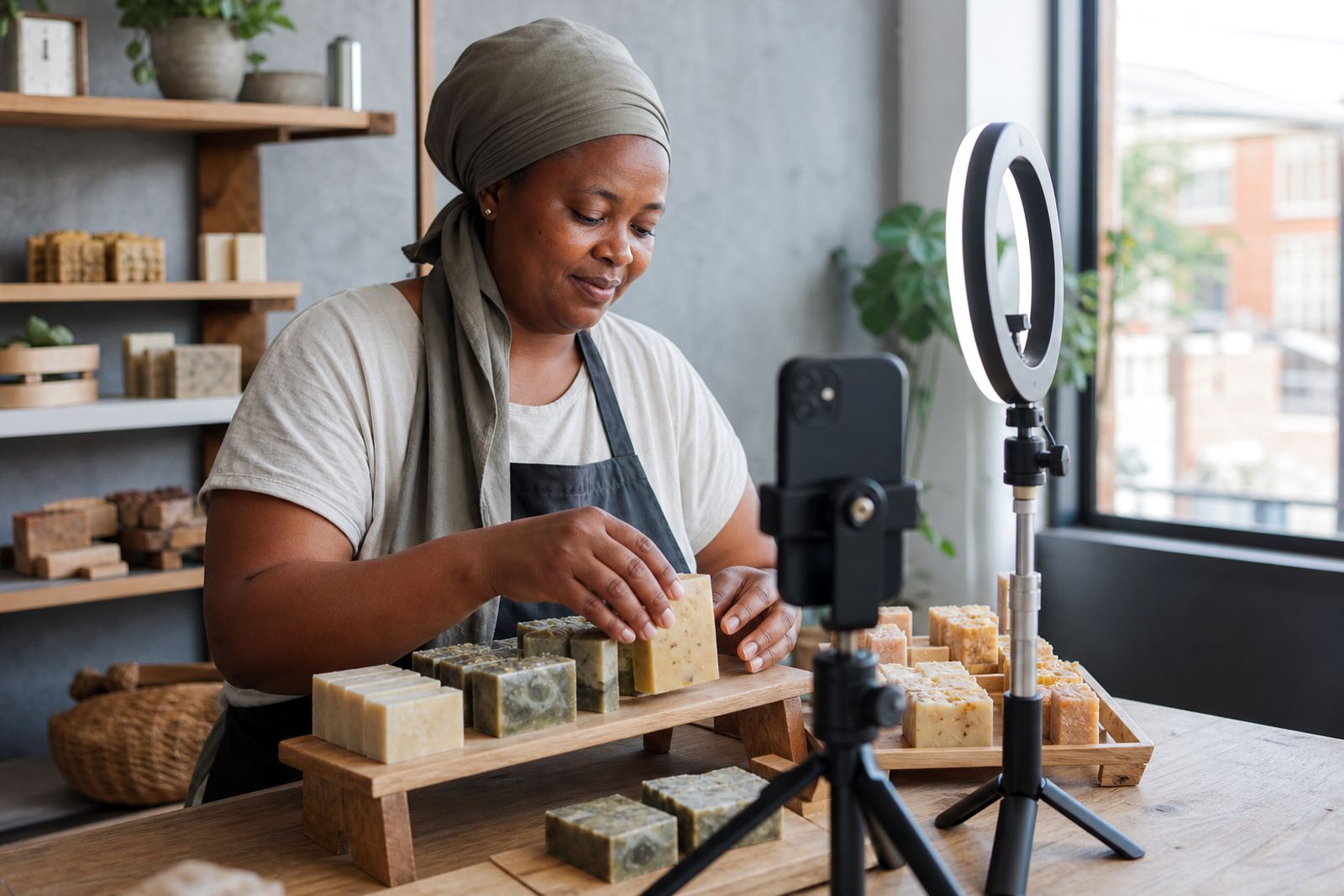
- Using window light, shaded outdoor light or indoor light without harsh shadows
- Cleaning and arranging items before taking photos
- Framing the product so the full shape is visible
- Taking close-up shots for texture, labels, stitching or small parts
- Checking colour as closely as possible before upload
- Compressing and naming image files for store use
- Deciding on the right number of photos per item
We also cover basic phone settings that matter, like tapping to focus, avoiding digital zoom when possible, and keeping the camera steady. For traders in coastal towns such as Durban, humidity can affect paper labels, packaging and shiny surfaces, so we show how to photograph items before they pick up glare or marks. In places with dust or strong sun, we also talk about wiping surfaces and using shade for clearer results.
How the setup session runs
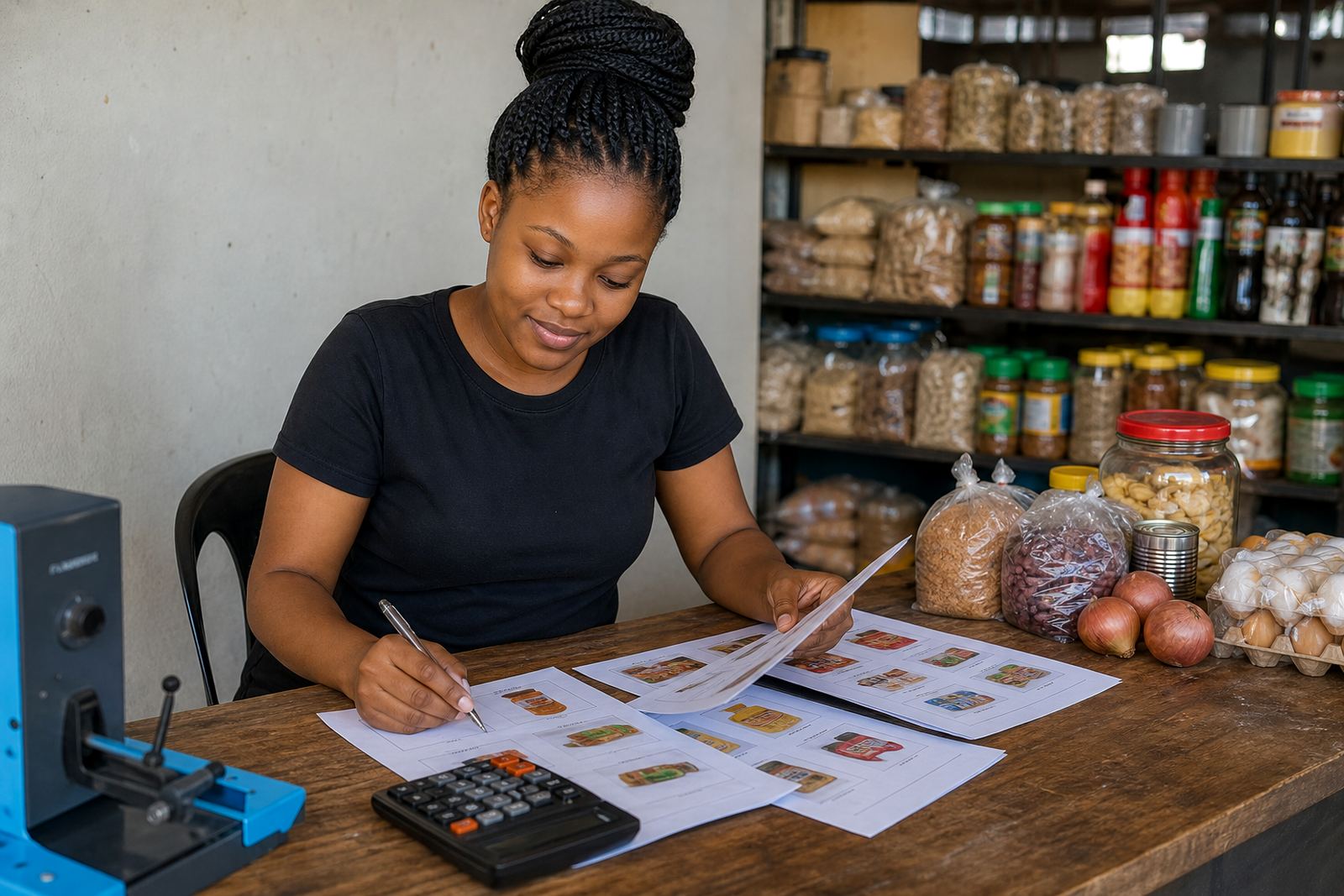
We begin by looking at a few of your products and the space where you usually work. That helps us see what lighting is available and what type of background you can use without making extra changes. We then explain a simple photo pattern that suits your stock, from one-piece items to small bundles and mixed ranges.
After that, we move into a hands-on photo review. You take a few test shots and we point out what to adjust, such as angle, distance, brightness or the position of the item. If the first image looks flat, we show how to turn the product slightly or raise it on a box, tray or clean surface so the shape reads better. When a label or ingredient list must be legible, we show how to keep the camera steady and close enough without blurring the image.
If you already have photos, we can review those too. Sometimes a store does not need new pictures for every item, only better crop choices, more even light or a cleaner sequence of images. That keeps the work practical and avoids making the process longer than it needs to be.
Photo standards for store pages that sell clearly
Good product photos are not about making stock look bigger than it is. They are about helping the buyer understand exactly what they are ordering. That is especially important for online store pages that include pricing, WhatsApp orders and delivery options, because the picture often does the first part of the explanation before a shopper asks any questions.
We usually recommend a simple image set that shows the item clearly from the front, then adds useful detail shots if needed. For example, a clothing item may need a front view, back view and close-up of the fabric. A food item may need the main pack, the size, and a close shot of the contents or label. A container or plastic item may need the lid, handle or measurement marking. This keeps the store honest and helps cut down on confusion later.
- Use one main background for the whole catalogue
- Keep colours as true as possible under the available light
- Avoid clutter, open packaging and unrelated objects in frame
- Show size with a ruler, hand or another standard object only where useful
- Keep the image bright but not washed out
For traders serving customers in Pretoria, Cape Town, Gqeberha and beyond, this style works well because it loads quickly and reads well on phones. It also makes your pages easier to update when new stock arrives.
What the pricing approach looks like
Photo guidance is priced according to the amount of work involved, not by guesswork. The main factors are the number of products, how much setup is needed, whether we are reviewing existing photos or guiding a fresh shoot, and whether your catalogue has many variations such as colours, sizes or pack counts. A smaller range usually takes less time than a large mixed catalogue with repeated items.
We keep the approach practical for informal traders and home businesses that need useful support without paying for extras they do not use. If you only need help with a starter batch of items, we can focus on that. If you are rebuilding a full catalogue, we plan the photo work in a way that supports the store pages, pricing pages and delivery pages at the same time.
Where needed, we can also bundle photo guidance with product upload help, pricing page help or catalogue rebuild work. That keeps the content and images aligned, so the store reads as one clean catalogue rather than a mix of styles.
Aftercare for new listings and future stock
Once the first batch of photos is sorted, we do not leave you guessing when the next products arrive. We give you simple notes on how to repeat the same style using the phone camera you already have, plus reminders on lighting, background and framing. If you later add new colours or pack sizes, the same method can be used so the store stays consistent.
We can also help you spot where a photo is causing issues on the store page. For example, if a product looks too small on a screen, if the label is hard to read, or if the background is too busy, we can point out the changes that will help. In some cases, a small crop adjustment is enough. In others, a fresh shot is better.
For traders who manage stock from a busy home or shop space, this aftercare is useful because photo habits can slip when work is rushed. A simple repeatable method saves time and keeps listings neat without turning the process into extra admin.
Who this suits across South Africa
This service suits spaza shops, informal traders, home businesses and small sellers who want cleaner product images for an online store. It is useful for businesses in Johannesburg, Durban, Cape Town, Pretoria and Gqeberha, as well as traders in Alexandra and Tembisa who need practical guidance that fits real trading conditions. If your product range is small, we keep the process short and direct. If your range is broad, we help you build a photo method that can be used again for new stock.
We also keep local conditions in mind. Indoor light in winter, late afternoon shadows, bright sun, coastal humidity and small work areas can all affect how a photo turns out. The guidance is shaped around those conditions so you get pictures that look clean on a product page and still show the item properly. For payment or tax matters linked to your business, check with SARS or a qualified adviser.
Key facts
| Service type | Photo guidance for online store product images |
|---|---|
| Main output | Clearer photos for product pages, pricing pages and catalogue listings |
| Typical tools | Phone camera, natural light, plain background, steady surface |
| Best for | Informal traders, spaza shops and home businesses |
| Coverage | Soweto, Johannesburg, Durban, Cape Town, Pretoria, Gqeberha and surrounding areas |
| Related support | Product upload help, pricing page help, catalogue rebuild and store content writing |